How to use tabiori

Learn the useful features of tabiori for your trip.
Please take a look.

View photos, videos and PDFs

Tap a photo, video or PDF in Scrapbook to open it in the full-screen viewer. Pinch to zoom photos, swipe between files and move through PDF pages.

Tap a photo, video or PDF in Scrapbook to open it in the full-screen viewer. Pinch to zoom photos, swipe between files and move through PDF pages.

Swipe up in the viewer to show file information and the comment. You can edit comments on files you added yourself.
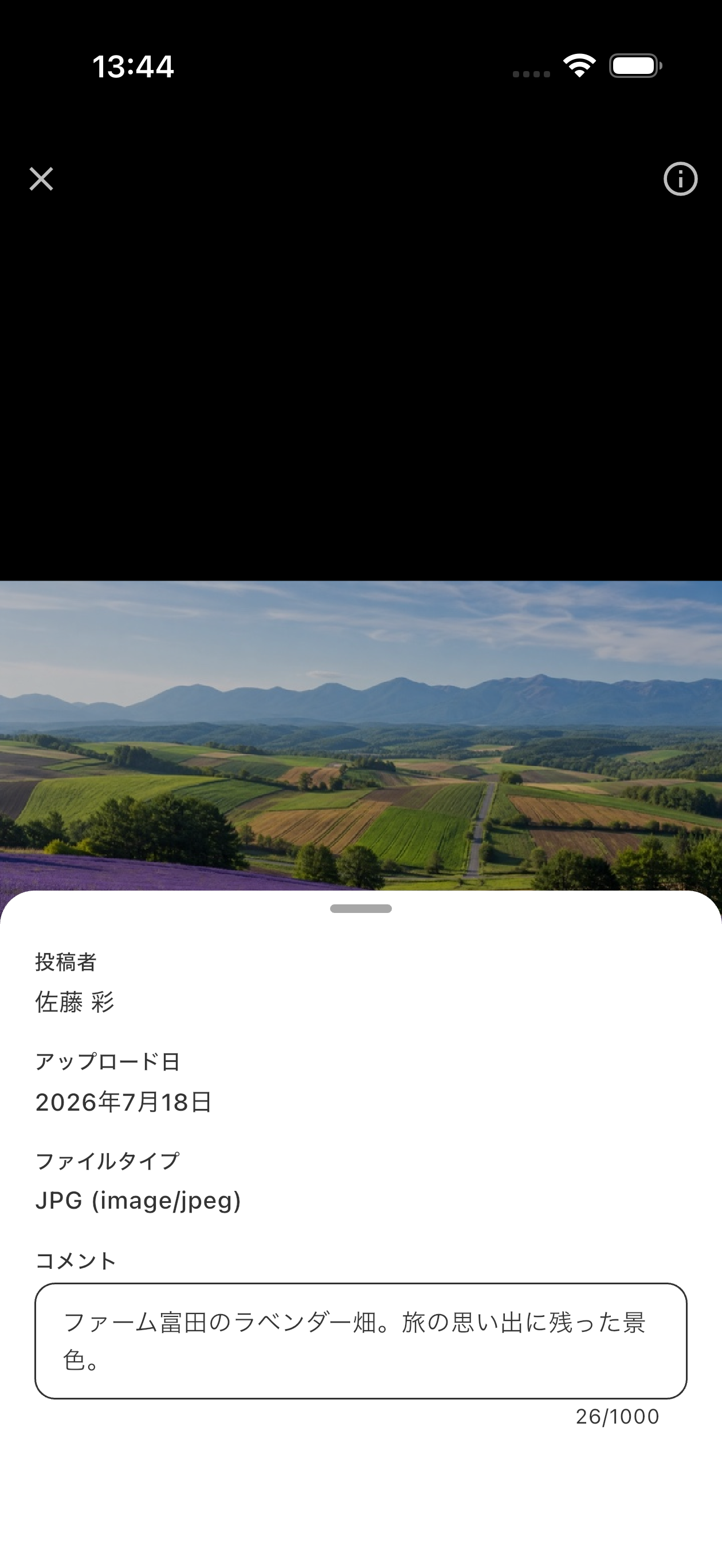
Swipe up in the viewer to show file information and the comment. You can edit comments on files you added yourself.

Increase Scrapbook Storage

Scrapbook storage can be increased from 100 MB to 10 GB by subscribing to tabiori Premium.
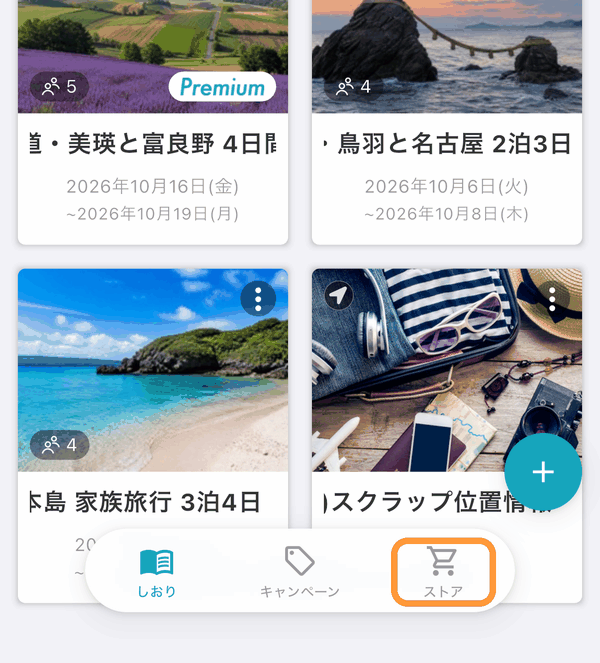
Go to the Store tab from the itinerary list screen.

Scrapbook storage can be increased from 100 MB to 10 GB by subscribing to tabiori Premium.<br>Go to the Store tab from the itinerary list screen.

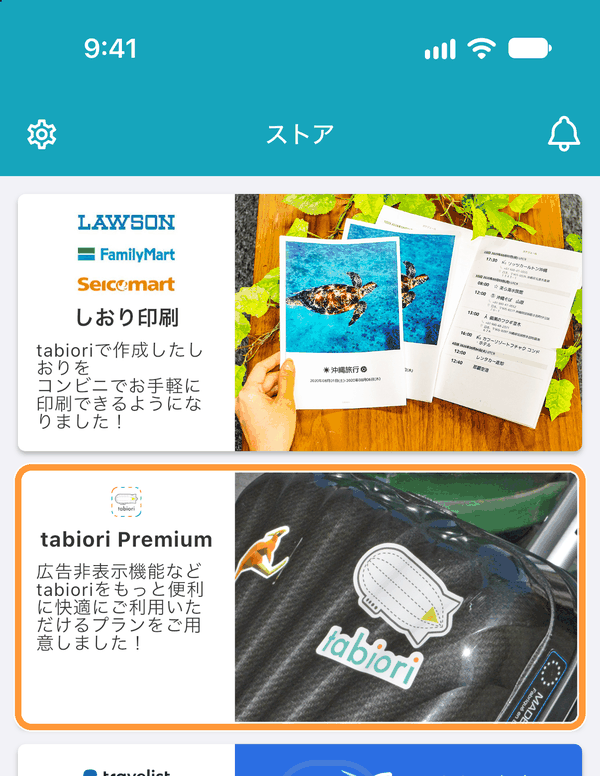
Tap "tabiori Premium" to see subscription benefits.

Tap "tabiori Premium" to see subscription benefits.
Ask AI

Learn more about tabiori

Ask the AI you already use whether tabiori suits your trip. Your question is ready with a single click.

Opens a new tab with your question and tabiori's official information already included.