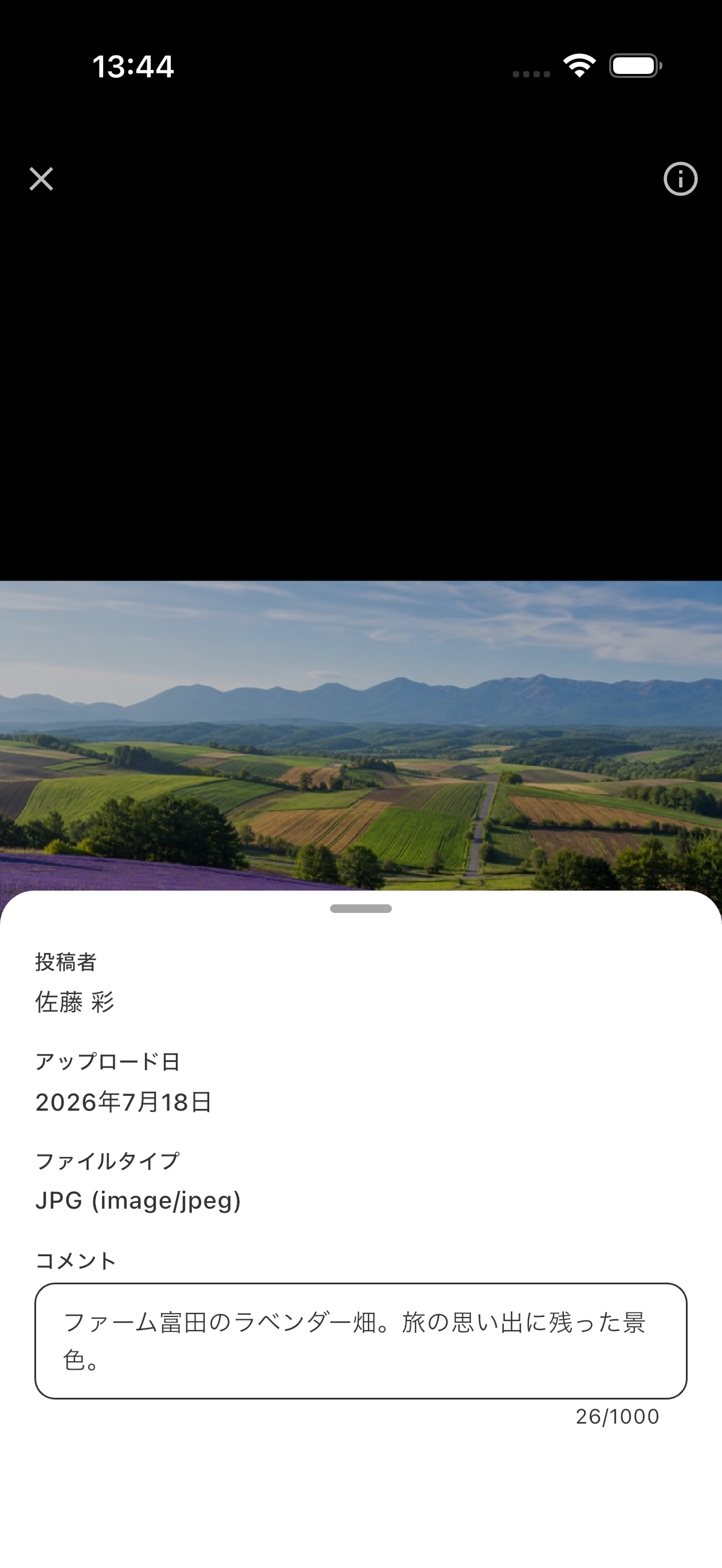
View photos, videos, and PDFs
Tap a photo, video, or PDF in Scrapbook to open it in the full-screen viewer. Pinch to zoom photos, swipe between files, and move through PDF pages.

Swipe up in the viewer to show file information and the comment. You can edit comments on files you added yourself.
Increase File Storage
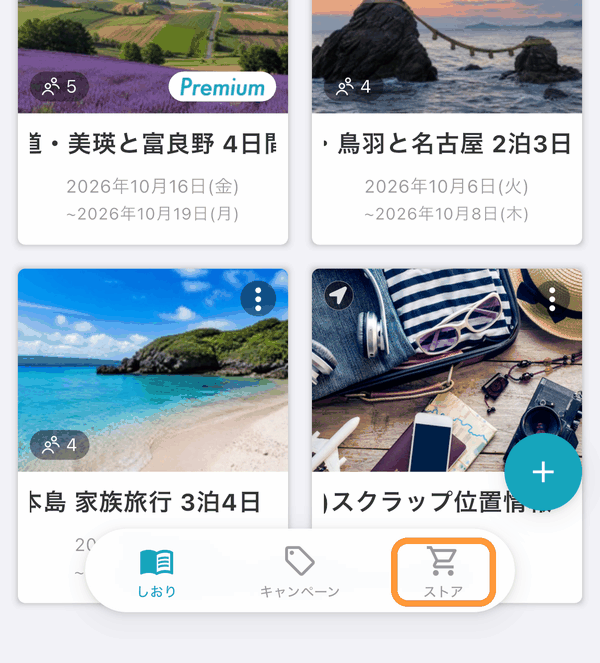
An itinerary's file storage (the total of photos, videos, PDFs and other files saved in Schedule, Notes, Chat and Scrapbook) increases from 100 MB to 10 GB when the itinerary owner subscribes to tabiori Premium. Tap "Store" at the bottom of the itinerary list screen.
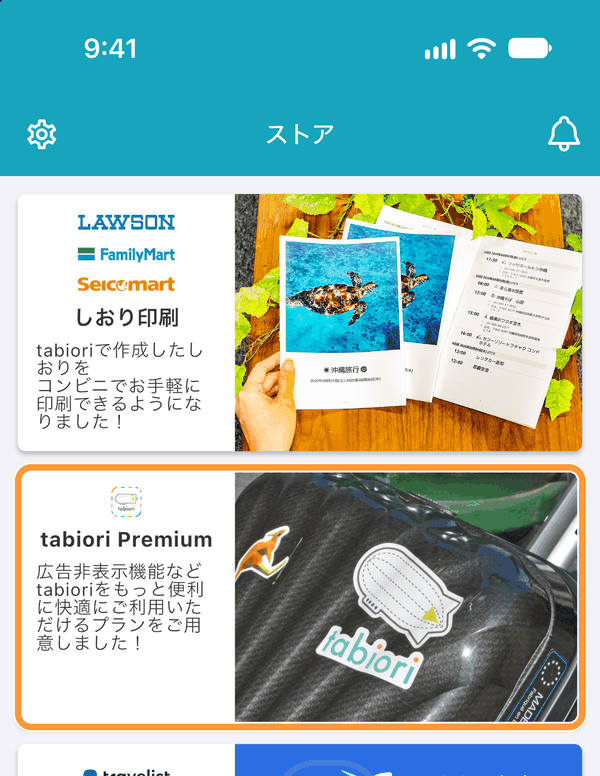
Tap "tabiori Premium" to see the subscription benefits.