How to use tabiori

Learn the useful features of tabiori for your trip.
Please take a look.

How to Create Private Notes Not Shared with Members

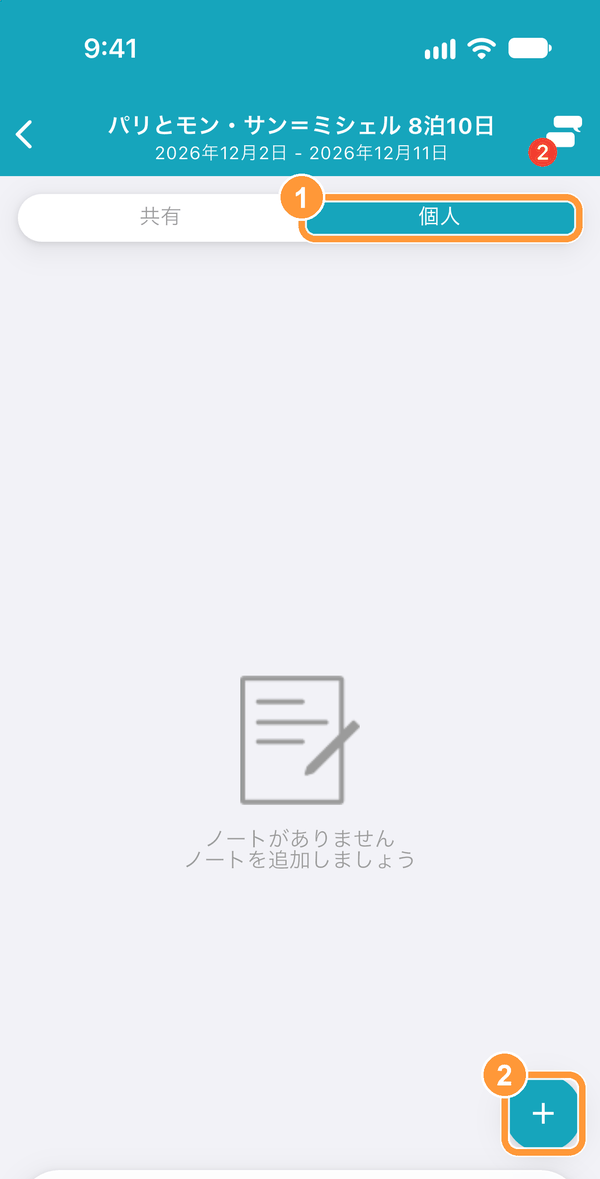
After moving to the Notes tab, tap "Private Note" at the top of the screen.
Then tap the create button in the bottom right.

After moving to the Notes tab, tap "Private Note" at the top of the screen.<br>Then tap the create button in the bottom right.

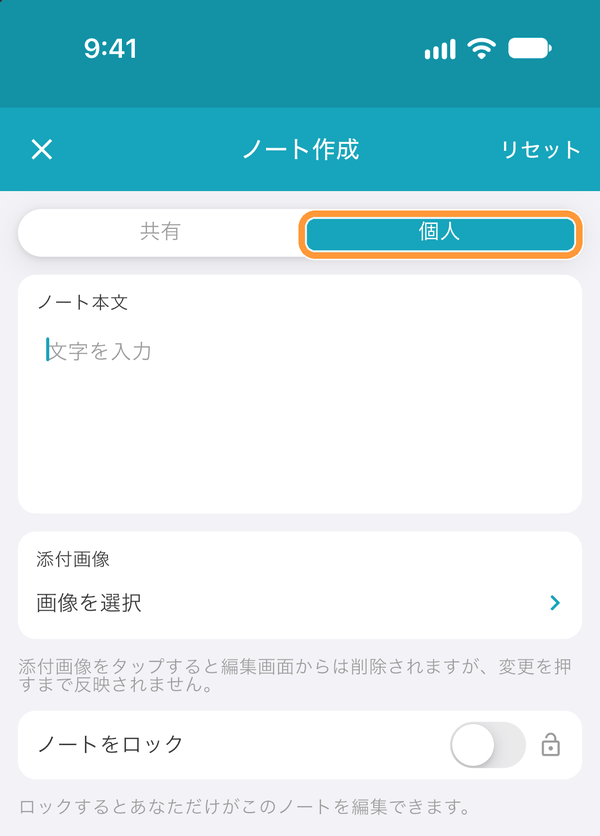
You can also switch to creating a private note by tapping "Private Note" at the top of the creation screen.

You can also switch to creating a private note by tapping "Private Note" at the top of the creation screen.
Ask AI

Learn more about tabiori

Ask the AI you already use whether tabiori suits your trip. Your question is ready with a single click.

Opens a new tab with your question and tabiori's official information already included.