Connect with ChatGPT
tabiori is available as a ChatGPT app. You can save what you plan in the conversation directly to a tabiori itinerary and share it with your travel companions in the app as usual.
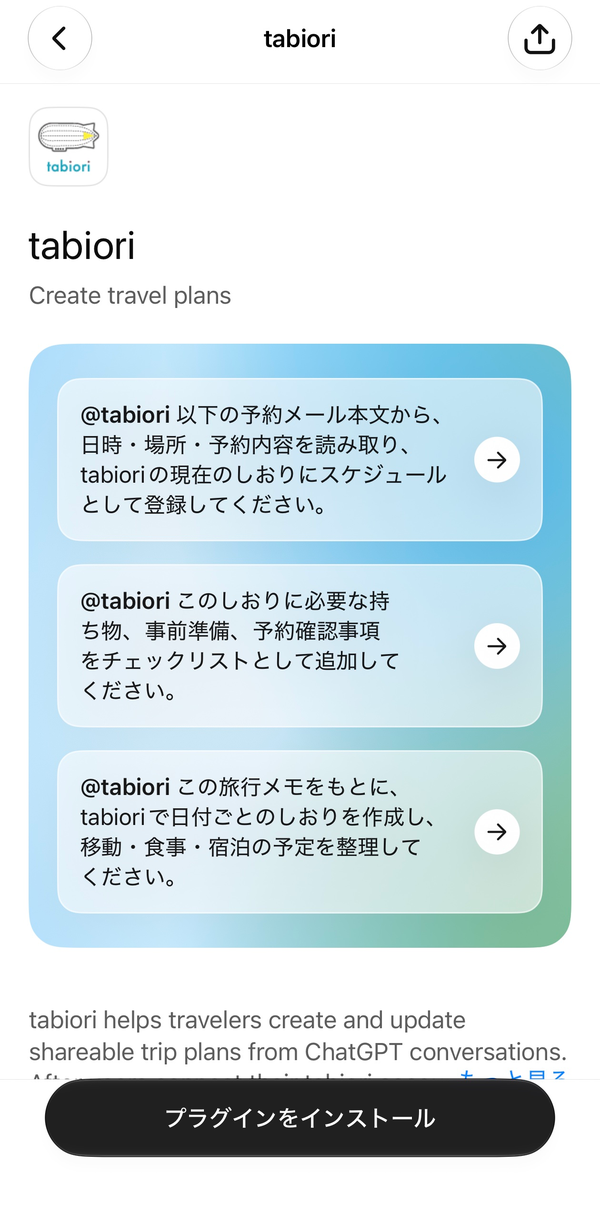
Open the tabiori app page in ChatGPT
Search for "tabiori" in ChatGPT's app directory and tap "Install plugin".
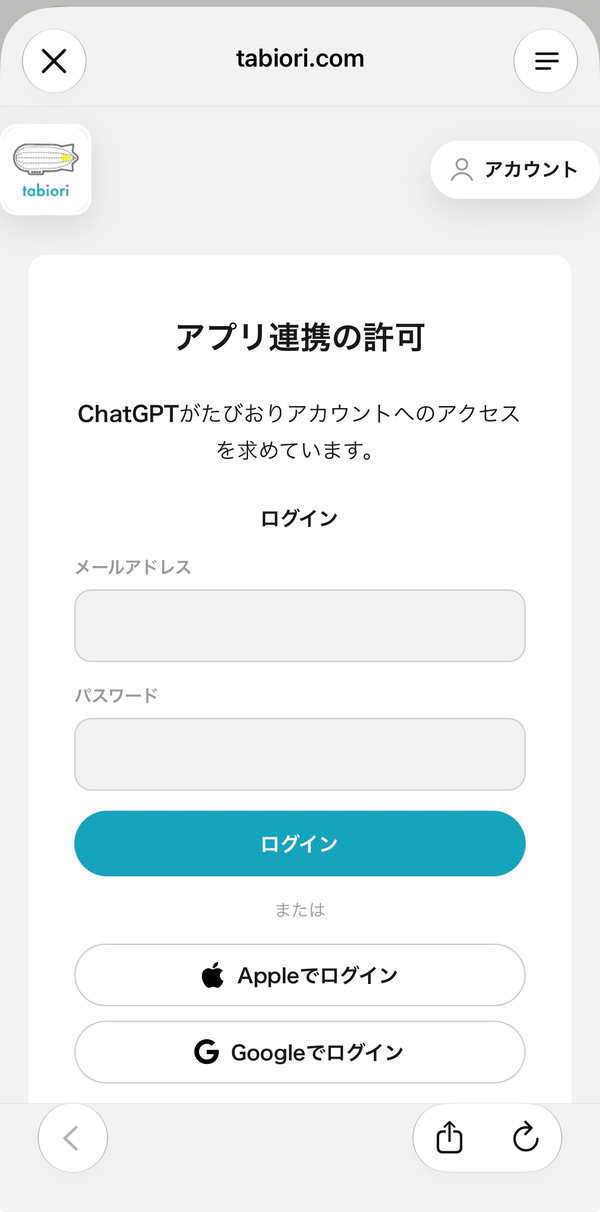
Sign in with your tabiori account.
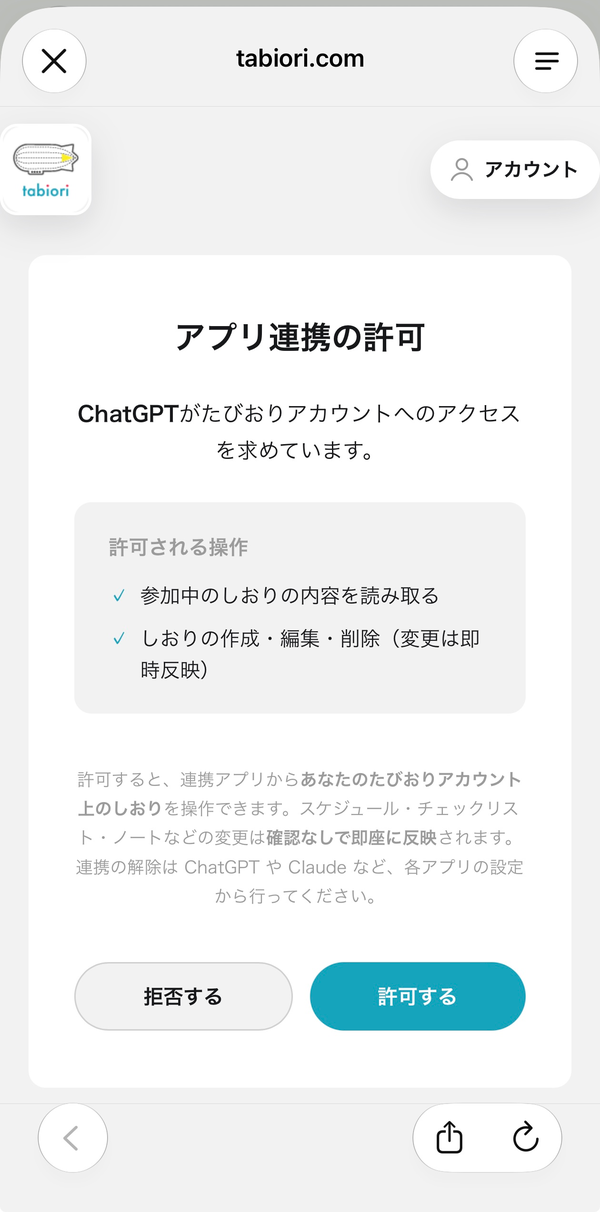
Review the permitted actions on the "App connection" screen and tap "Allow".
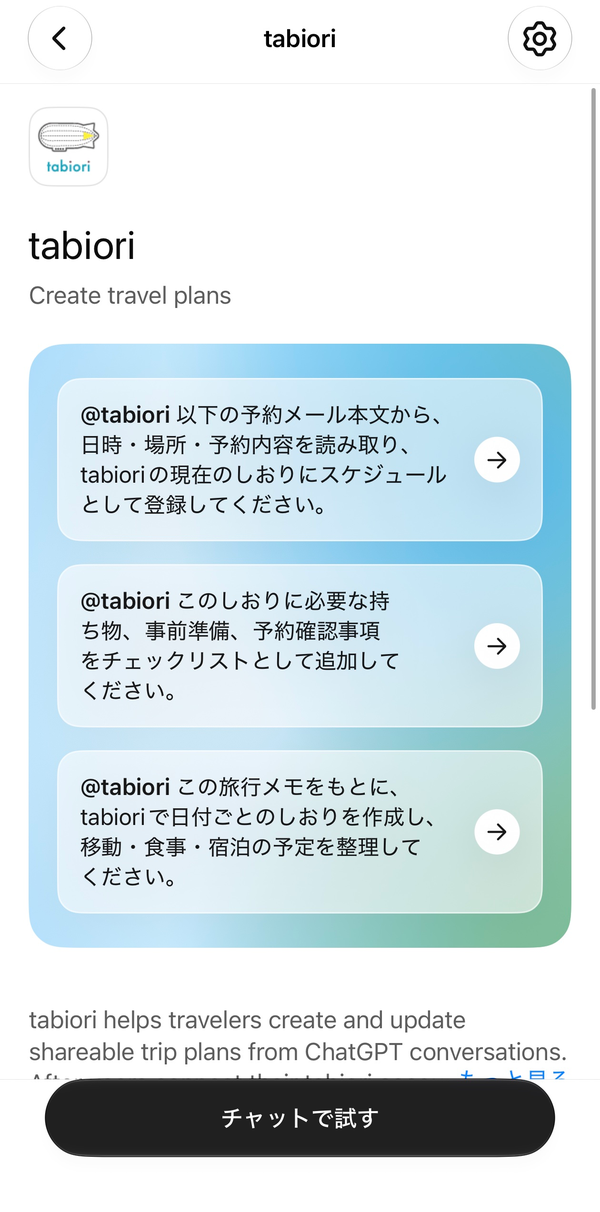
Once installed, tap "Try in chat" to get started.
Recommended: let AI do the data entry
Copying booking details into your itinerary is a chore — let AI handle it.
- Paste the text of a booking confirmation email, and AI will extract the dates, times, and places and add them to your itinerary.
- Attach a flight or hotel confirmation PDF to add it straight to your schedule.
- You can also paste a screenshot of a booking screen.
Prompts you can copy and use
- Read the date, time, place, and booking details from the reservation email below and add them to my current tabiori itinerary as schedule items.
- Add the items to bring, preparations, and booking details to check for this trip to the itinerary as a checklist.
- Based on these travel notes, create a day-by-day itinerary in tabiori and organize transport, meals, and accommodation.
Good to know
- Changes made by AI are applied immediately without confirmation and are visible to itinerary members right away.
- You can disconnect the integration from the settings of ChatGPT or the AI app you use.
- AI can only access itineraries that the signed-in user is a member of.