Sort Checklist Pages and Categories
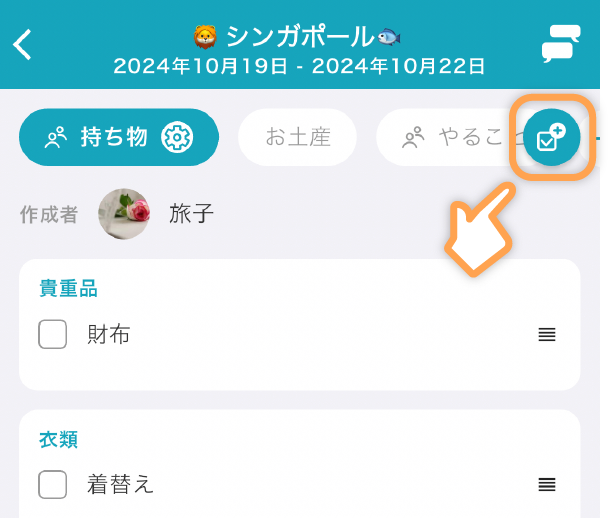
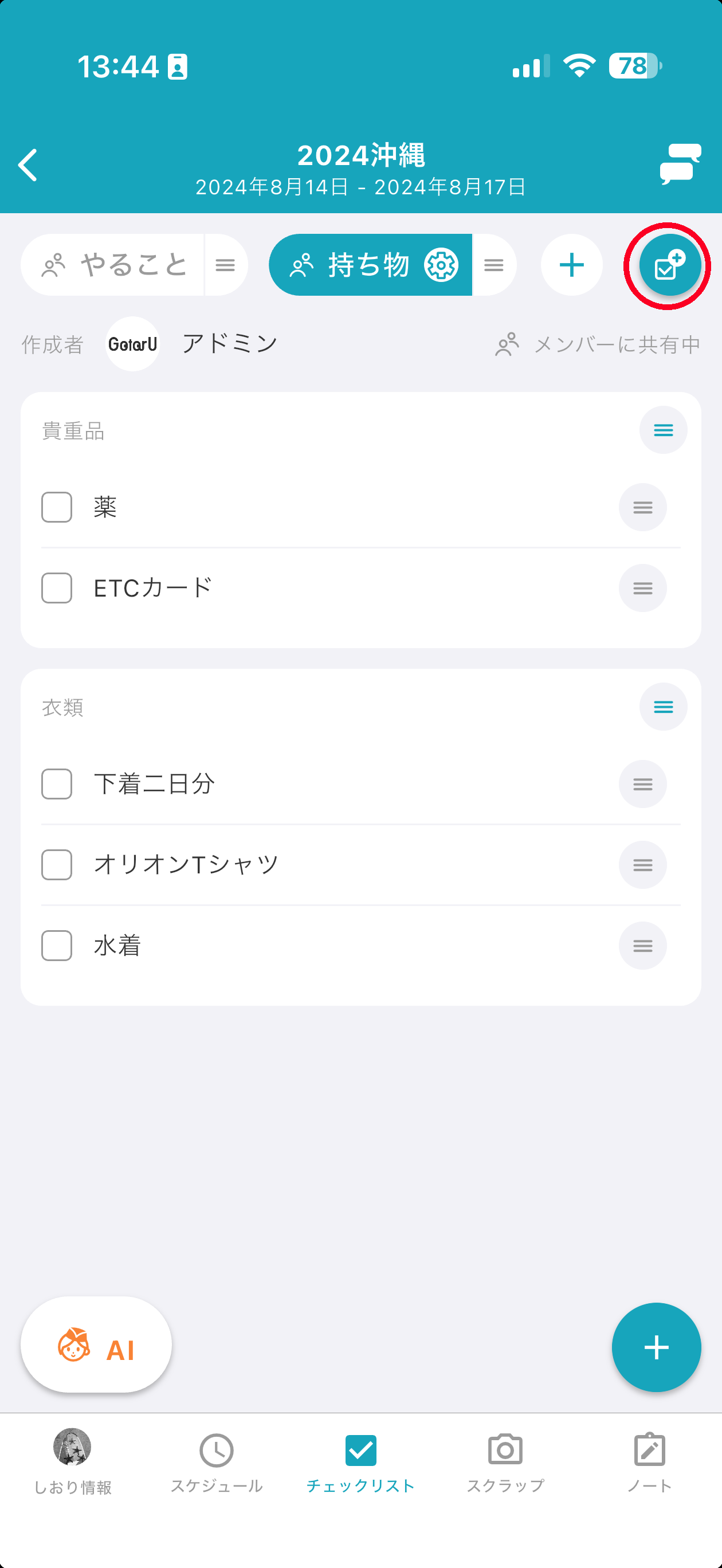
Tap the page/category settings button in the top right of the checklist page to go to the page/category edit screen.
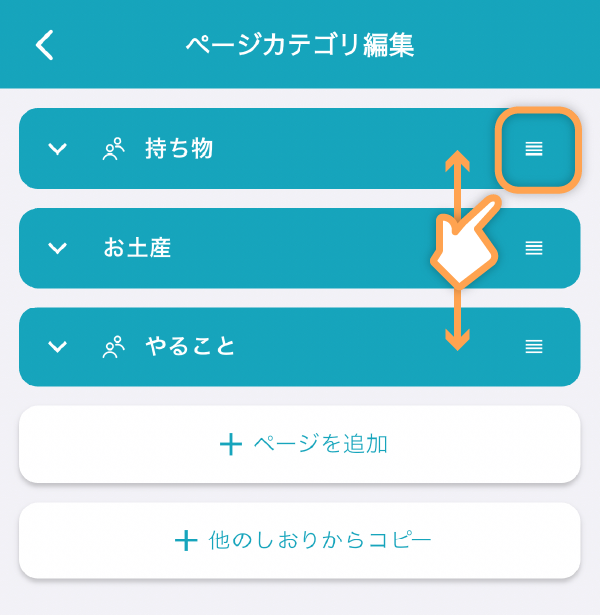
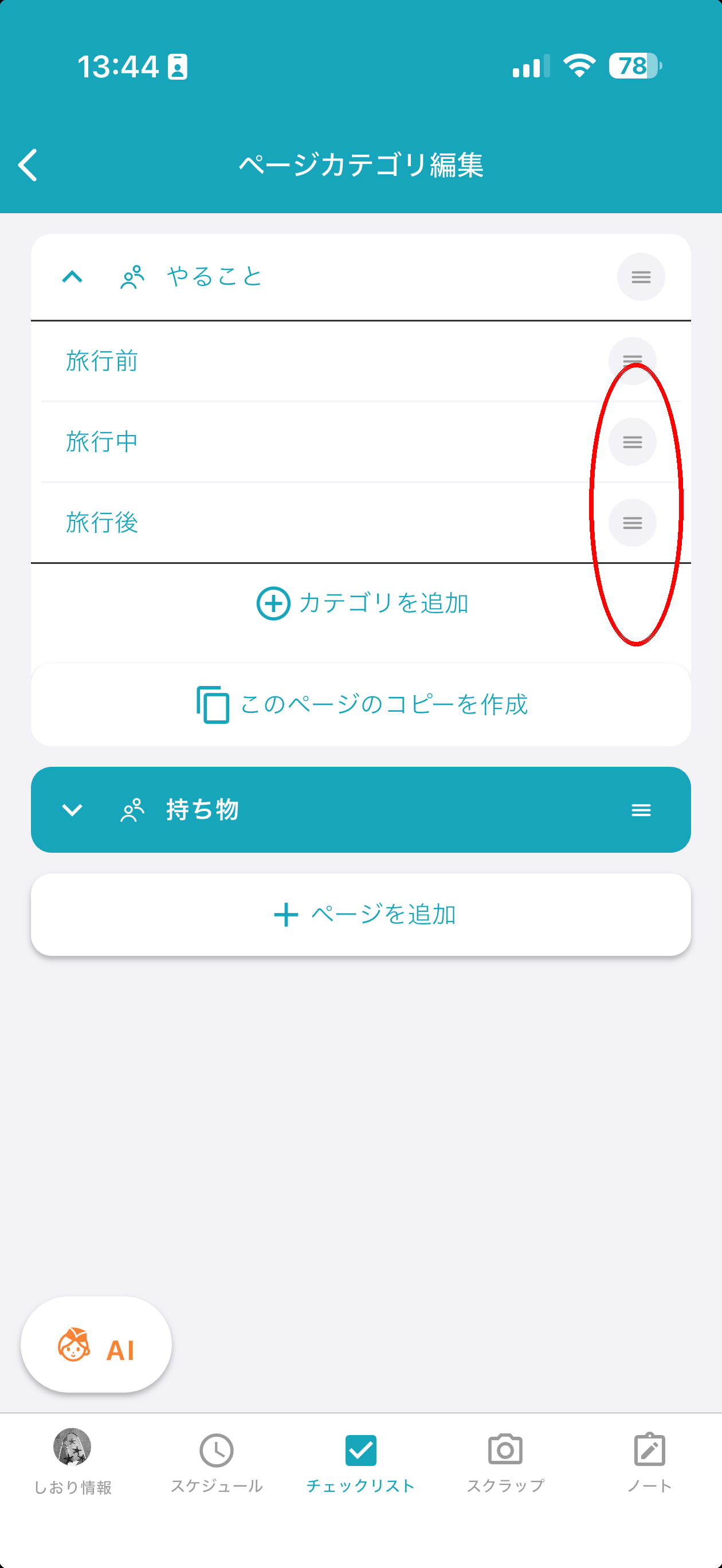
You can drag and drop using the button on the right end to reorder.
Also, tapping on a page title will show its categories.
Categories can be reordered in the same way by dragging.
Sort Categories
Tap the “☑️➕” button at the top right of the Checklist screen to open the Page / Category Edit screen.
Tap a page title to expand its category list. Drag the handle on the right end of each category to reorder them.
Copy a Checklist from Another Itinerary
Tap the “☑️➕” button at the top right of the Checklist screen to open the Page / Category Edit screen.
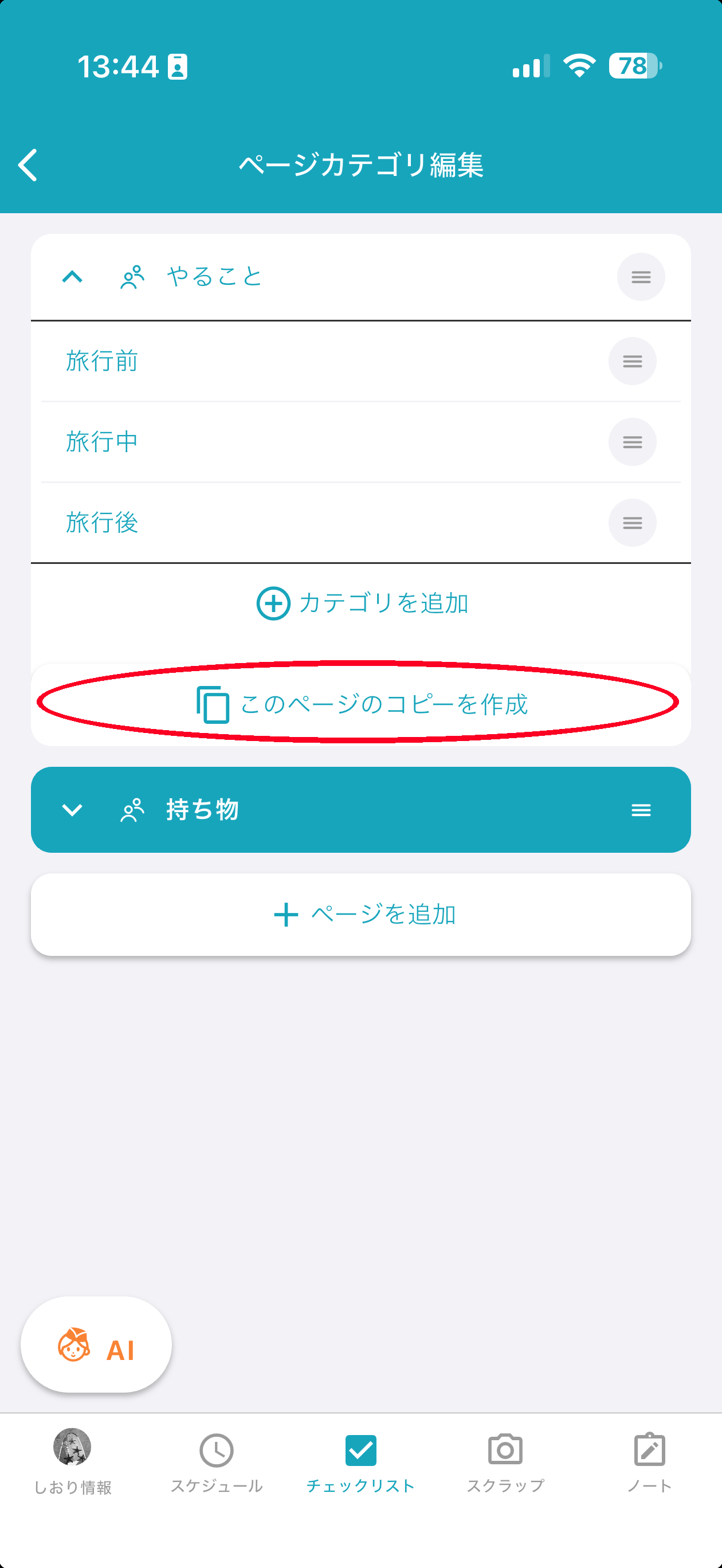
Tap the “Duplicate this page” button at the bottom of the page you want to copy. You can then pick a source itinerary and copy an entire checklist page from it.