Print-data submission fee
Free member299 JPY
Premium memberIncluded
Prices include tax. Printing at the convenience store is charged separately.
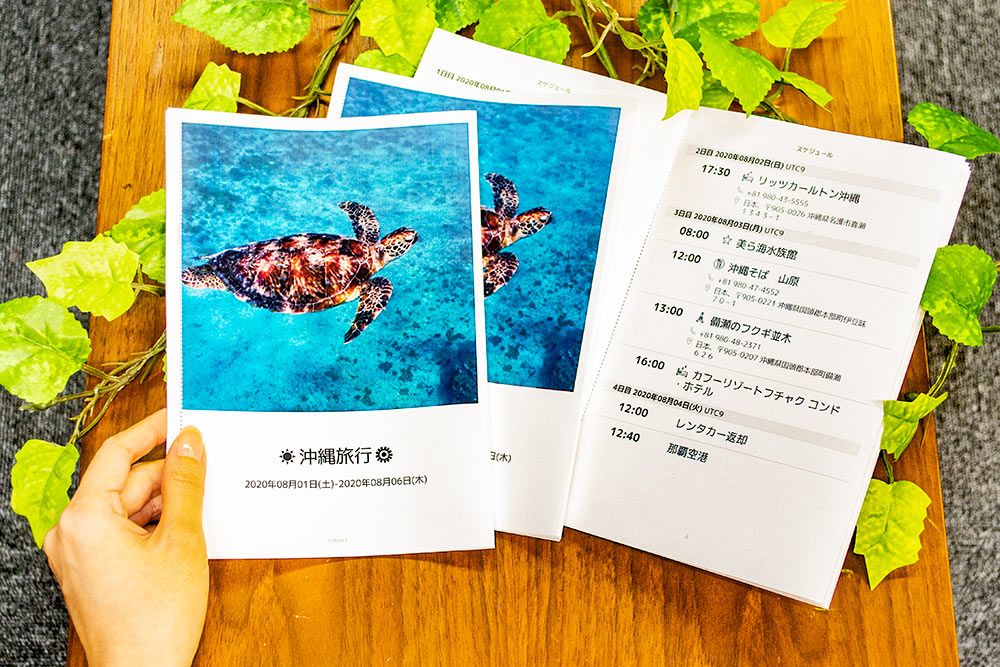
Print your tabiori itinerary and take it with you
Turn your tabiori itinerary into a printed booklet
and share your plans with people who do not use a smartphone.
Four easy steps

Use tabiori to organize your travel plans and packing list.
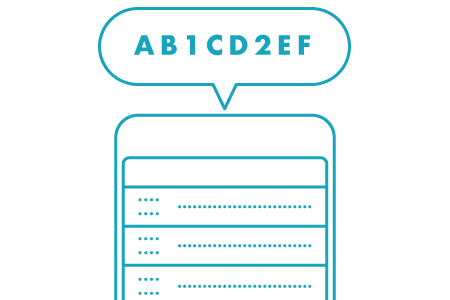
In the Store tab, select the itinerary you want to print and request a user number.

Enter your user number on a multifunction copier at a Lawson, FamilyMart, or Poplar Group store in Japan to print your itinerary.
How to use the copierPrint deadlineWithin five days of submitting the data

Fold the printed sheets and staple them together to make a travel booklet you can take with you.
Prices, specifications, and important information
Print your tabiori itinerary to share your travel plans with people who do not have a smartphone or use tabiori.
Print-data submission fee
Prices include tax. Printing at the convenience store is charged separately.
Submitted data is deleted after this deadline.
Please read the following terms and disclosures before using the service.